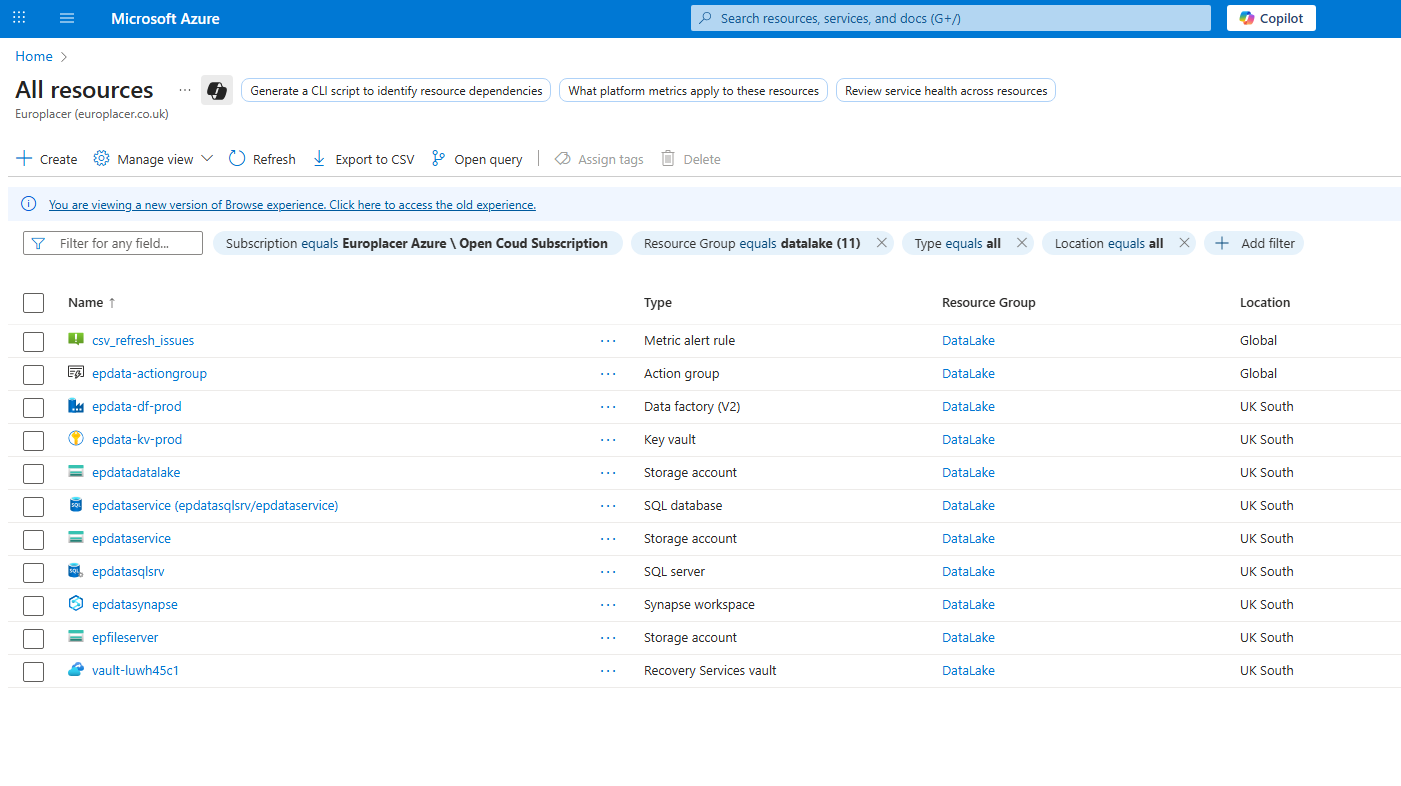
- Go to portal.azure.com and click All Resources.
- Filter the results by subscription:Europlacer Azure and resouce group:datalake
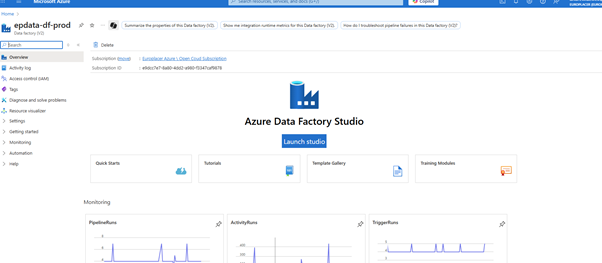
3. Select epdata-df-prod
4. Select Launch studio
5. Go to Monitor in the table of contents and look for the 'Copy_sql_transferorder_foreach' pipeline in the list and check it has completed and the status is Succeeded. The 'Run Start' of the pipeline should be 10:05am and should be completed by 10:25
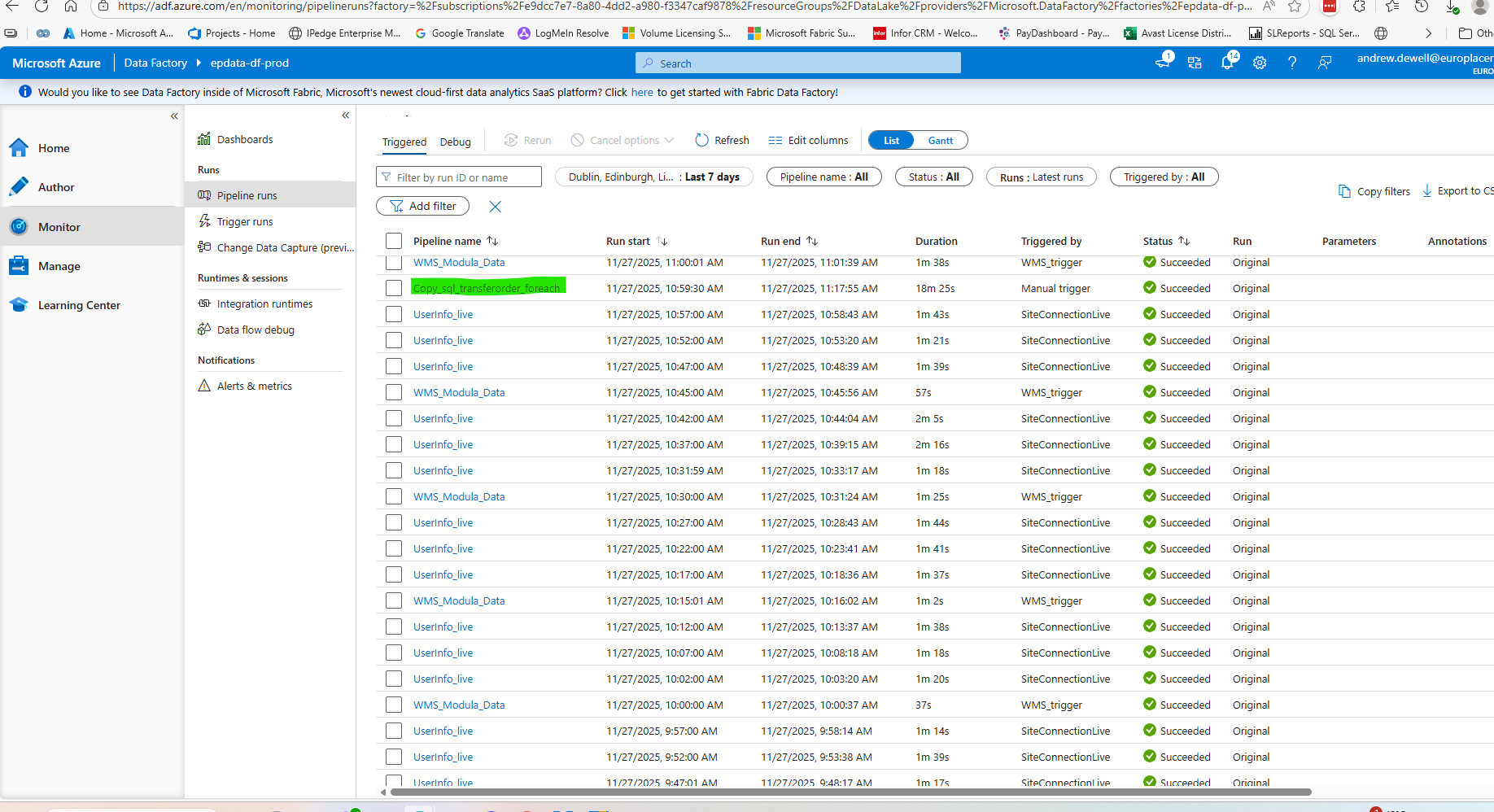
6. If this has run and the status is not - 'Succeeded', then roll your curser over the pipeline name in the list and click on the highlighted icon to Rerun

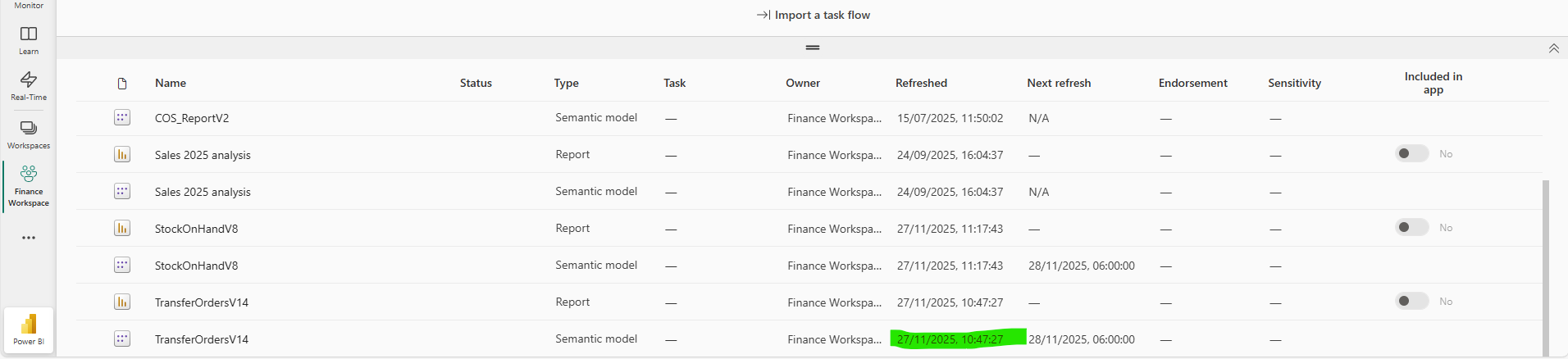
7. Once this pipeline has run and Succeeded go to Power BI, Finance Workspace and check the TransferOrdersV14 Semantic Model has refreshed, this is scheduled to refresh at 10:30 once the pipeline has updated. The refresh should be complete at approx. 10:35am
If its been necessary to rerun the pipeline in step 6 then the sematic model in Power Bi will need manually refreshing by clicking on the refresh arrow next to the semantic model name.
Was this article helpful?
That’s Great!
Thank you for your feedback
Sorry! We couldn't be helpful
Thank you for your feedback
Feedback sent
We appreciate your effort and will try to fix the article